
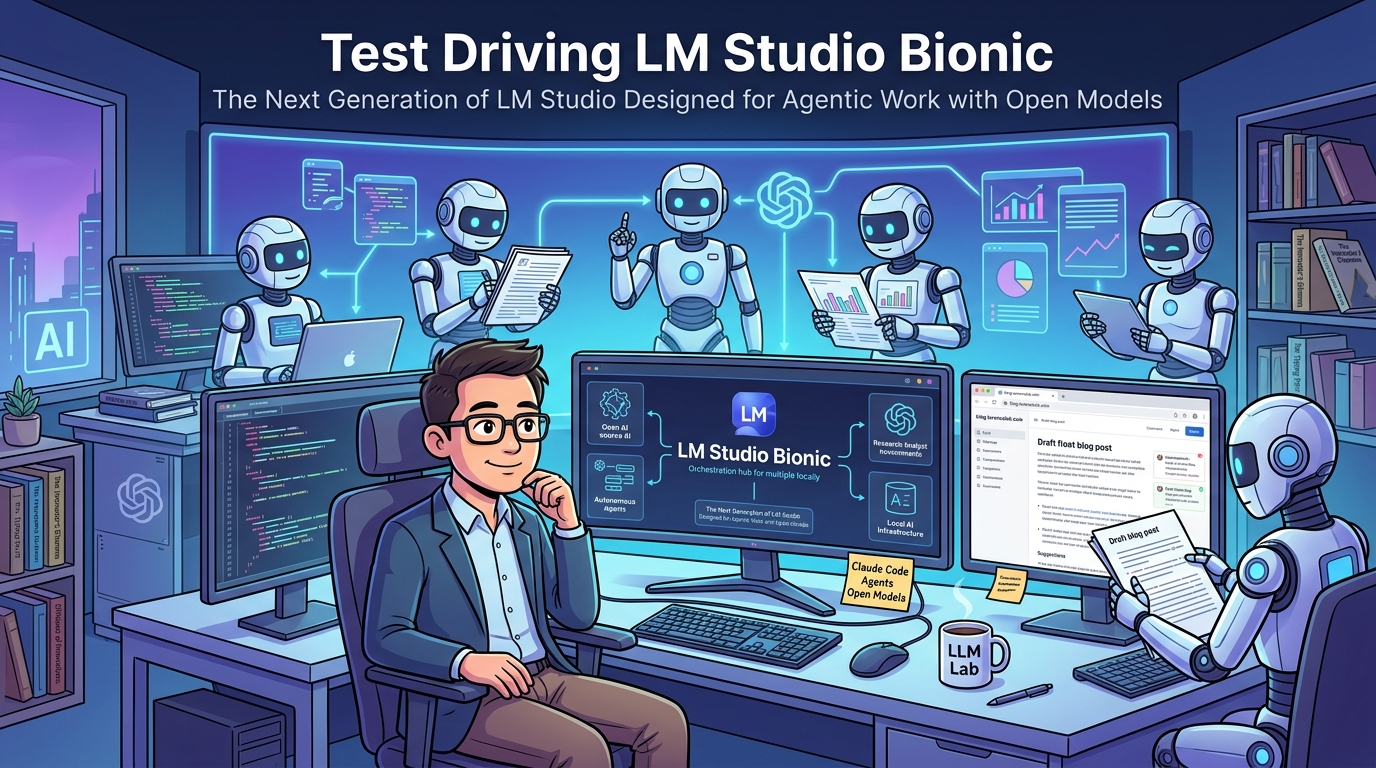
I spent some time testing LM Studio Bionic a week after it was released on July 16, 2026 and the experience immediately was what inspired me to write my previous blog post The Gap Between Best (Frontier Models) and Useful (Local LLMs) Is Shrinking. That post was built around the idea that model quality, hardware, and tooling are all getting better at the same time. Of those three, tooling was the area where I had the weakest supporting evidence, but Bionic changes that.
What struck me while using it was how familiar it felt. The workflow reminded me a lot of Claude Code and Claude Coworker in the Claude Desktop Application. The new LM Studio Bionic adds project grounding, web research, and parallel agents that can explore different areas of a project simultaneously.
It also gives you the option of accessing cloud-hosted open models when if your local hardware could not run the larger models. A year or two ago, experiences like this were mostly associated with frontier AI products from Anthropic, OpenAI, and Microsoft Copilot. Today they are showing up in applications designed around running models on your own hardware and that is exactly the sort of tooling progress I was talking about in the earlier post.
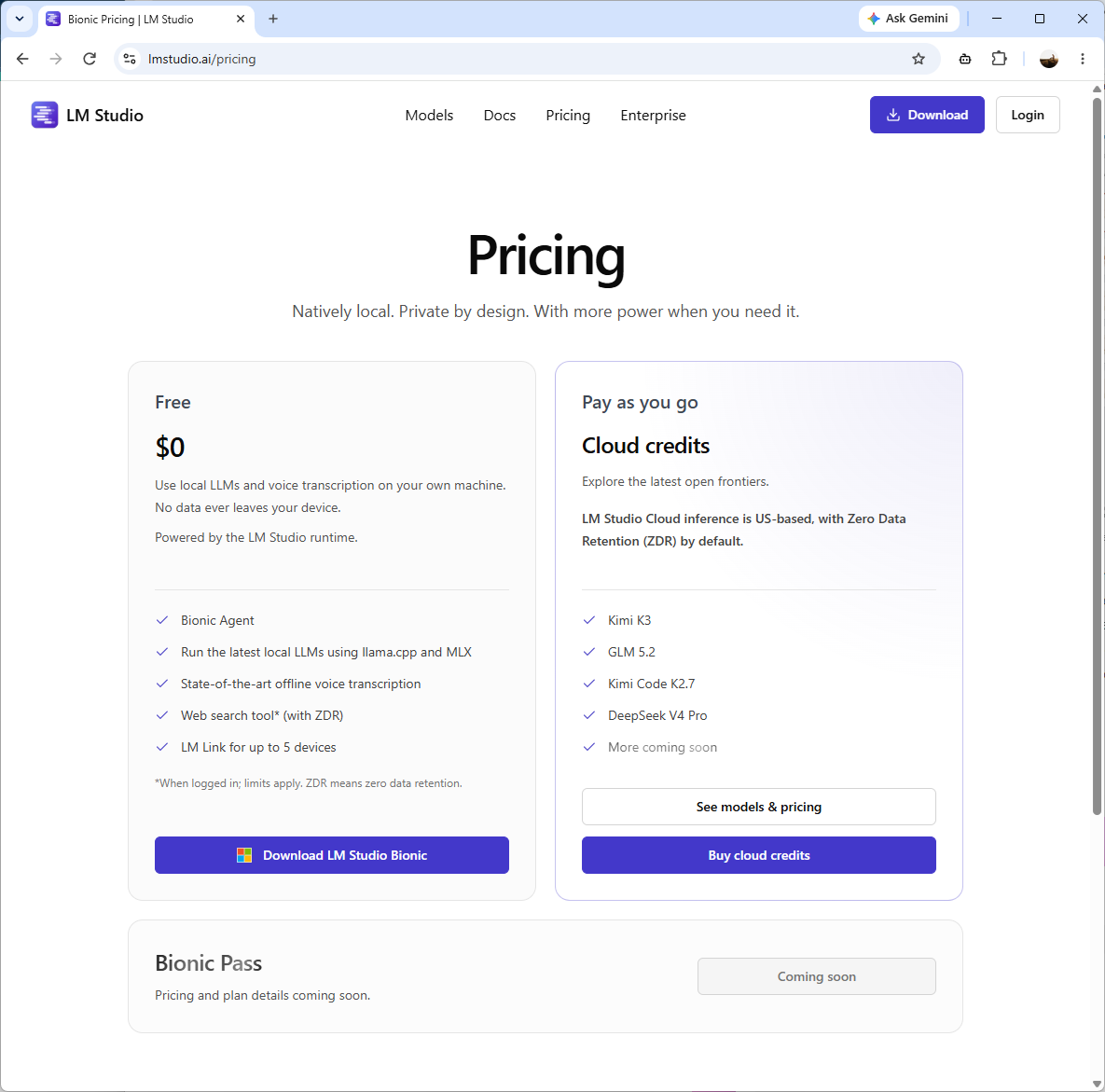
What’s actually in LM Studio Bionic’s free tier
It’s great to see that LM Studio has kept Bionic free unless you intend on using the cloud hosted models:
| Feature | Free | Pay as you go |
|---|---|---|
| Cost | $0 | Cloud credits, billed per use |
| Bionic Agent | Included | Included |
| Local LLM inference (llama.cpp, MLX) | Included | Included |
| Offline voice transcription | Included | Included |
| Web search tool (ZDR) | Included, requires sign-in, limits apply | Included |
| LM Link (device sync) | Up to 5 devices | Up to 5 devices |
| Cloud models | Not included | Kimi K3, GLM 5.2, Kimi Code K2.7, DeepSeek V4 Pro, more coming |
Test #1 – The web search in LM Studio Bionic
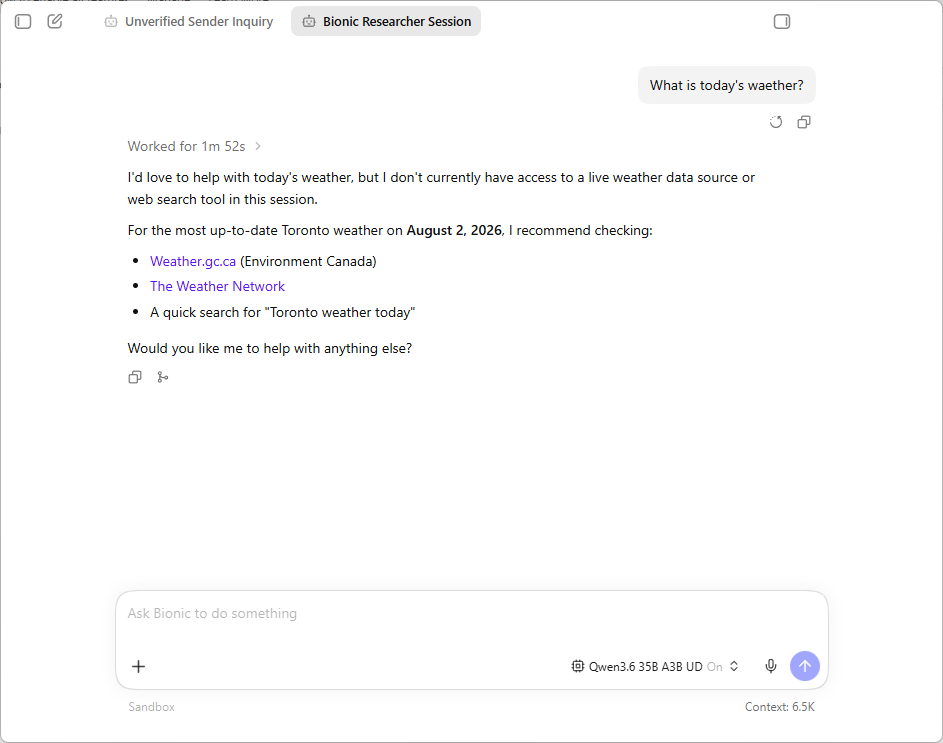
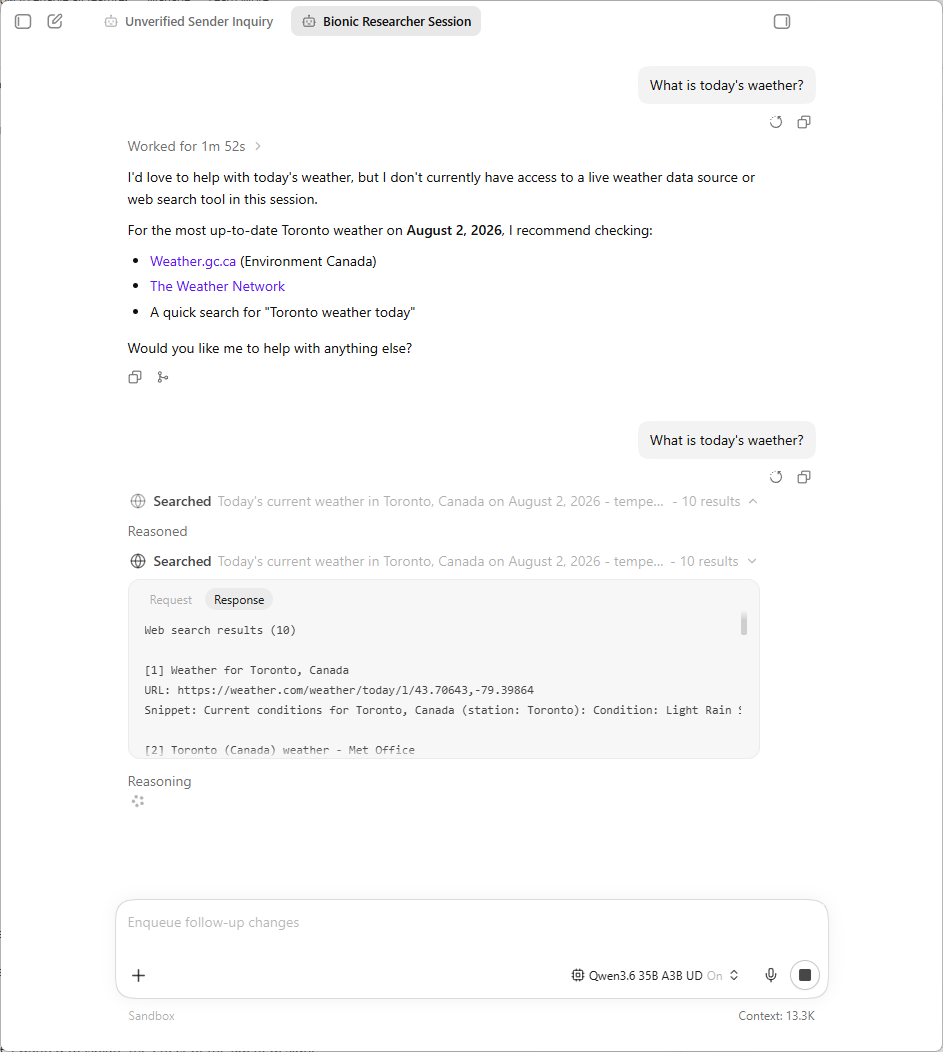
The first functionality I wanted to test was whether I had web search capability to pair with my local model as the DuckDuckGo functionality in LM Studio was not very reliable. I went ahead and asked Bionic the simple live-data question:
What’s today’s weather
It refused because web search wasn’t available to that session yet.
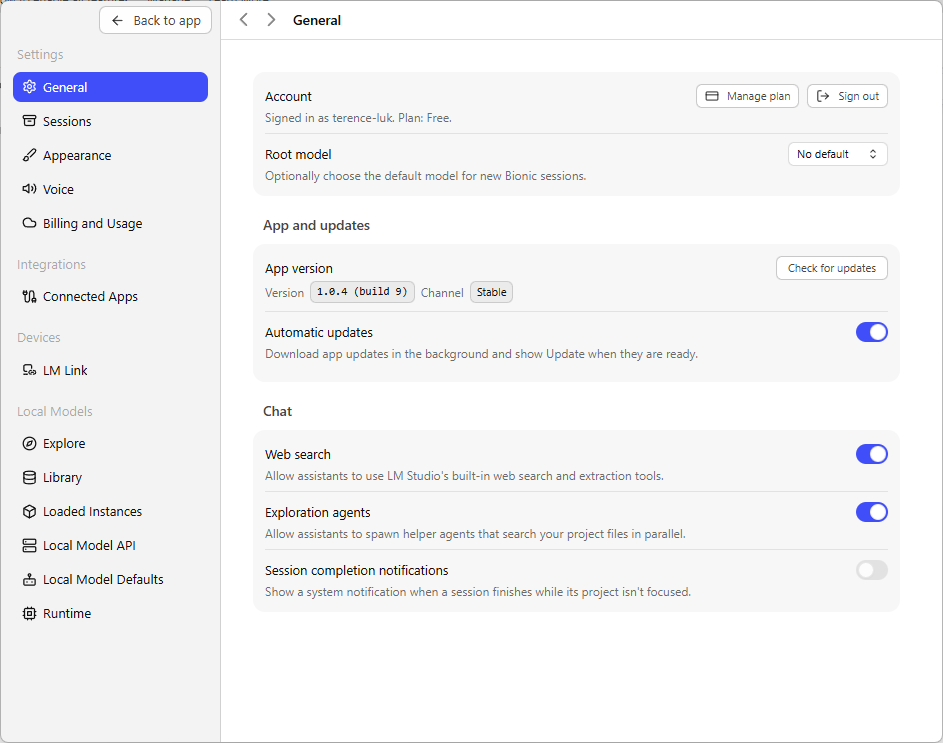
At that point I checked Settings and found the reason immediately. The web search toggle exists in General settings, but it’s disabled and greyed out until you sign in, so it isn’t just an account preference sitting there unused.
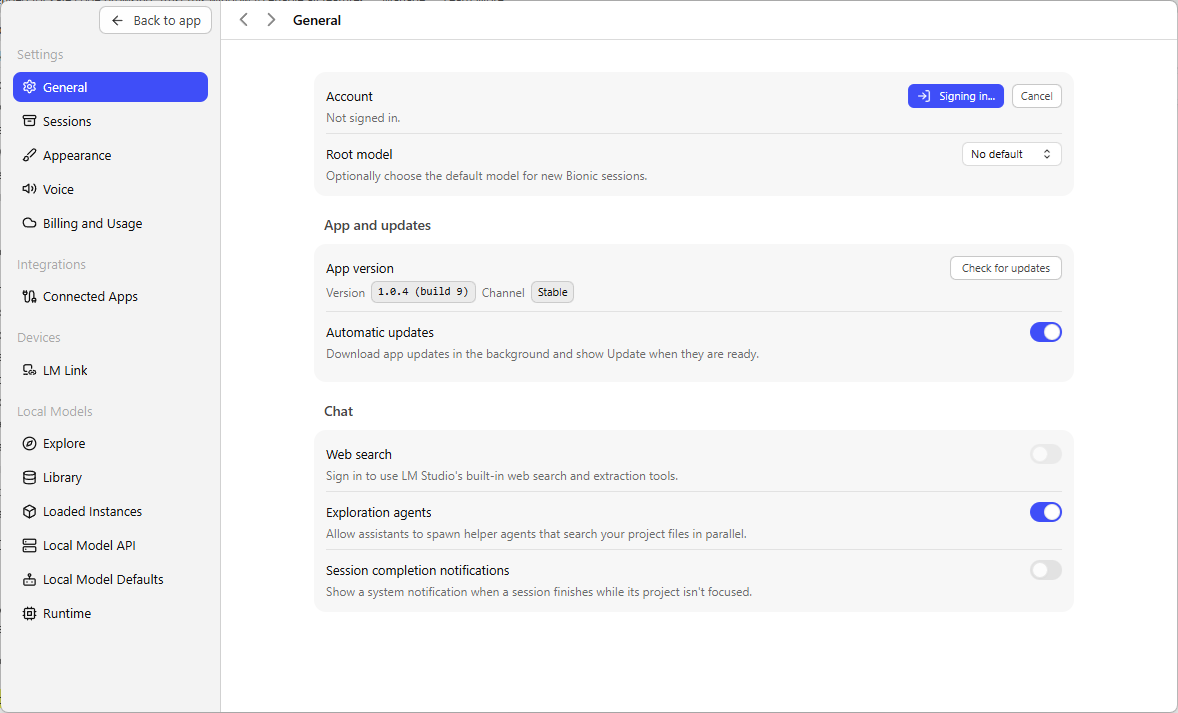
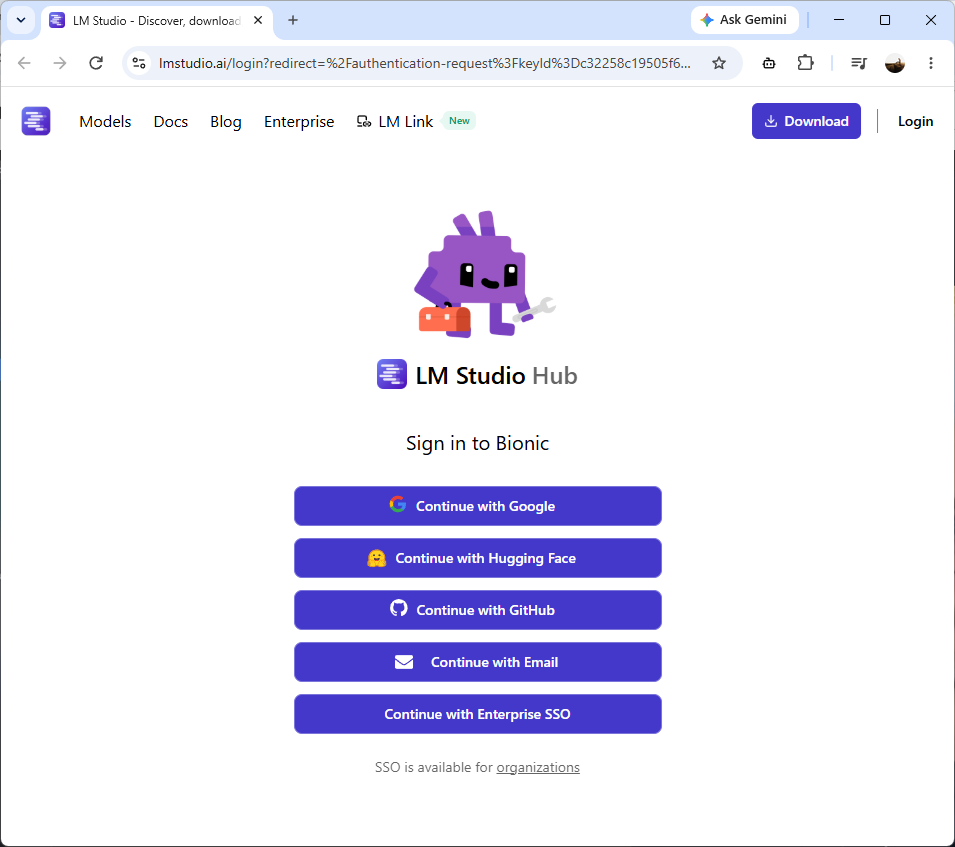
So I signed in through the LM Studio Hub login page.
Once signed in, I went back to General settings and switched the web search toggle on manually, because it did not turn itself on as a side effect of authenticating.
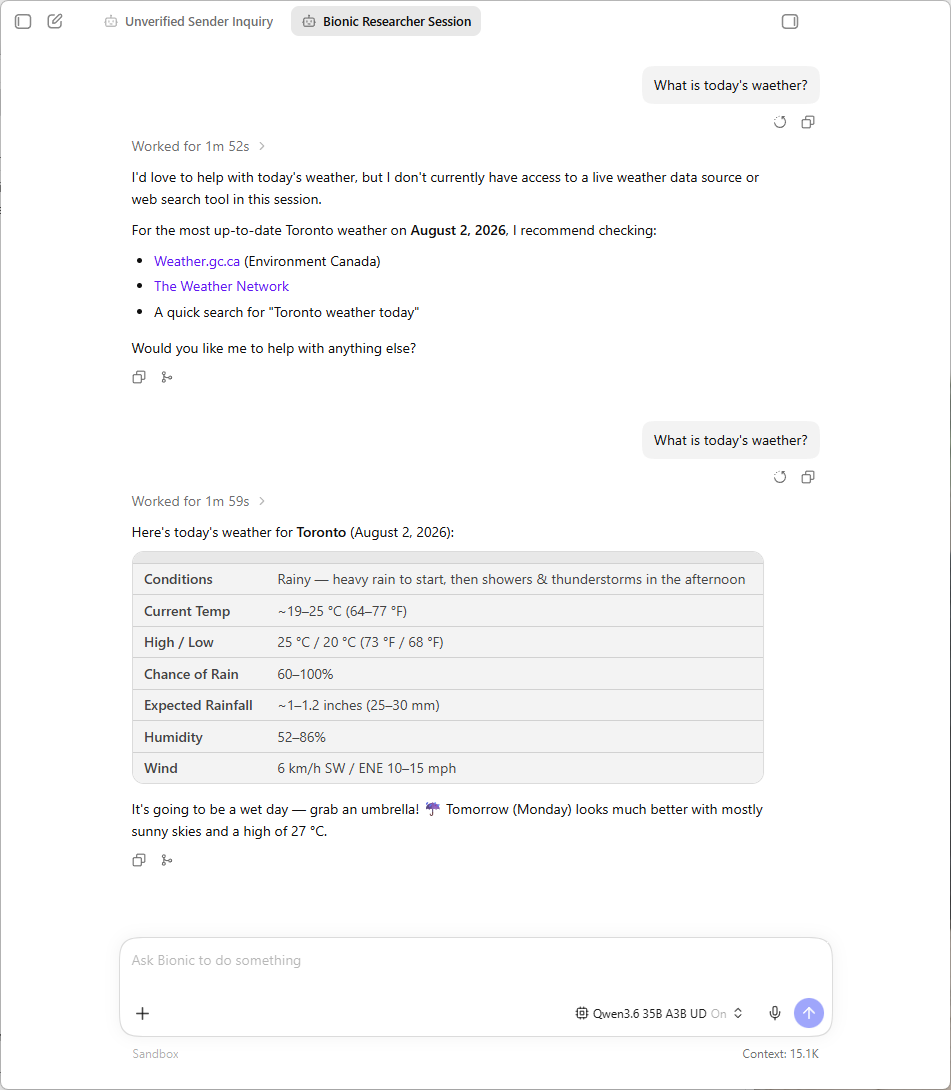
I asked the identical question again in the same session. This time it worked, and it worked properly, a visible tool call searching for current Toronto weather, followed by a full current-conditions table.
| Field | Value |
|---|---|
| Conditions | Rainy, heavy rain to start, then showers and thunderstorms in the afternoon |
| Current Temp | ~19 to 25°C |
| High / Low | 25°C / 20°C |
| Chance of Rain | 60 to 100% |
| Expected Rainfall | ~1 to 1.2 inches |
| Humidity | 52 to 86% |
| Wind | 6 km/h SW, gusting ENE 10 to 15 mph |
I recall one of the videos I watched on Youtube had the content creator indicating you needed a subscription for the web search but this wasn’t the case for me as I had no credit card associated to my account and had zero credits. I’m not sure if this will change in the future though.
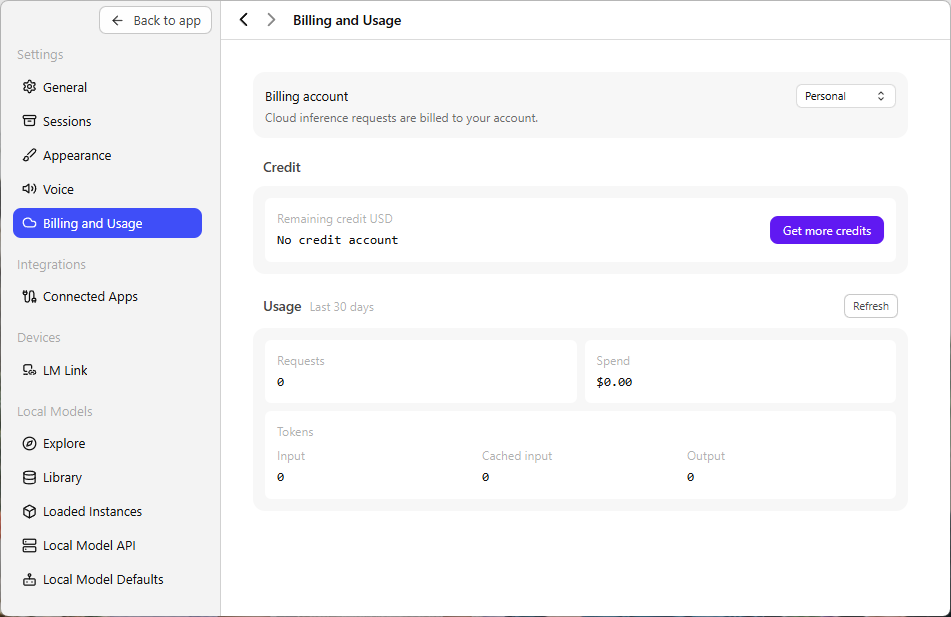
Note that I’m testing Build 9:
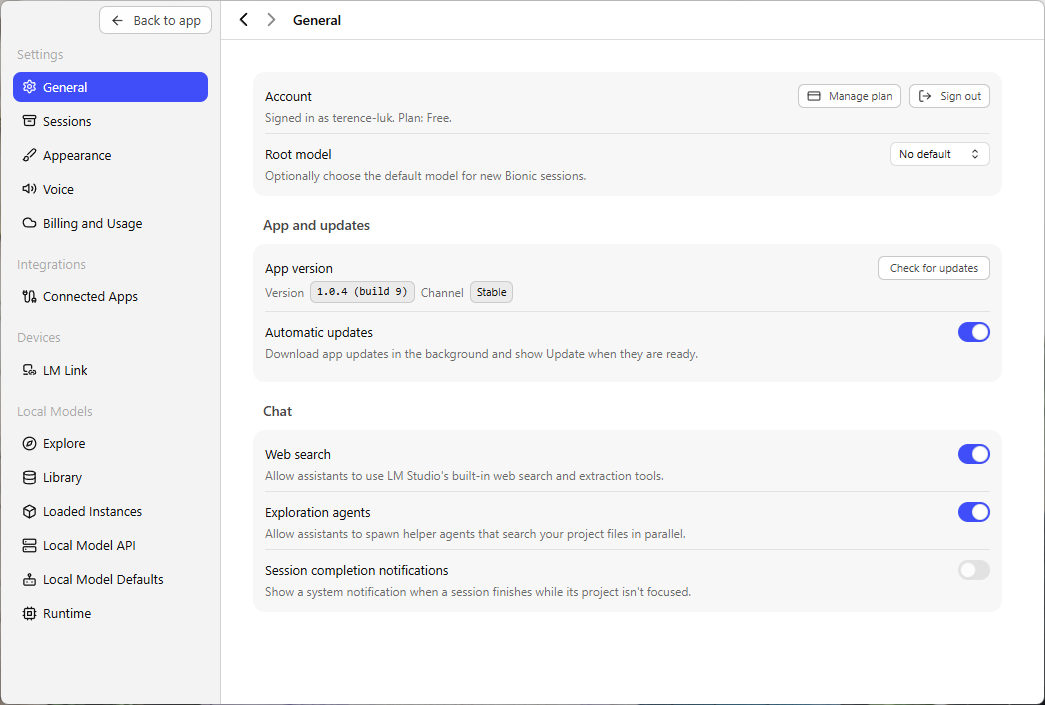
Test #2 – Ground it in a real document
The second test I wanted to know was whether Bionic could do something useful with a document similar to what Copilot could do. I proceed to upload a real Microsoft FY2025 annual report as a .docx and asked it to summarize it after loading my Qwen3.6 35B local model.
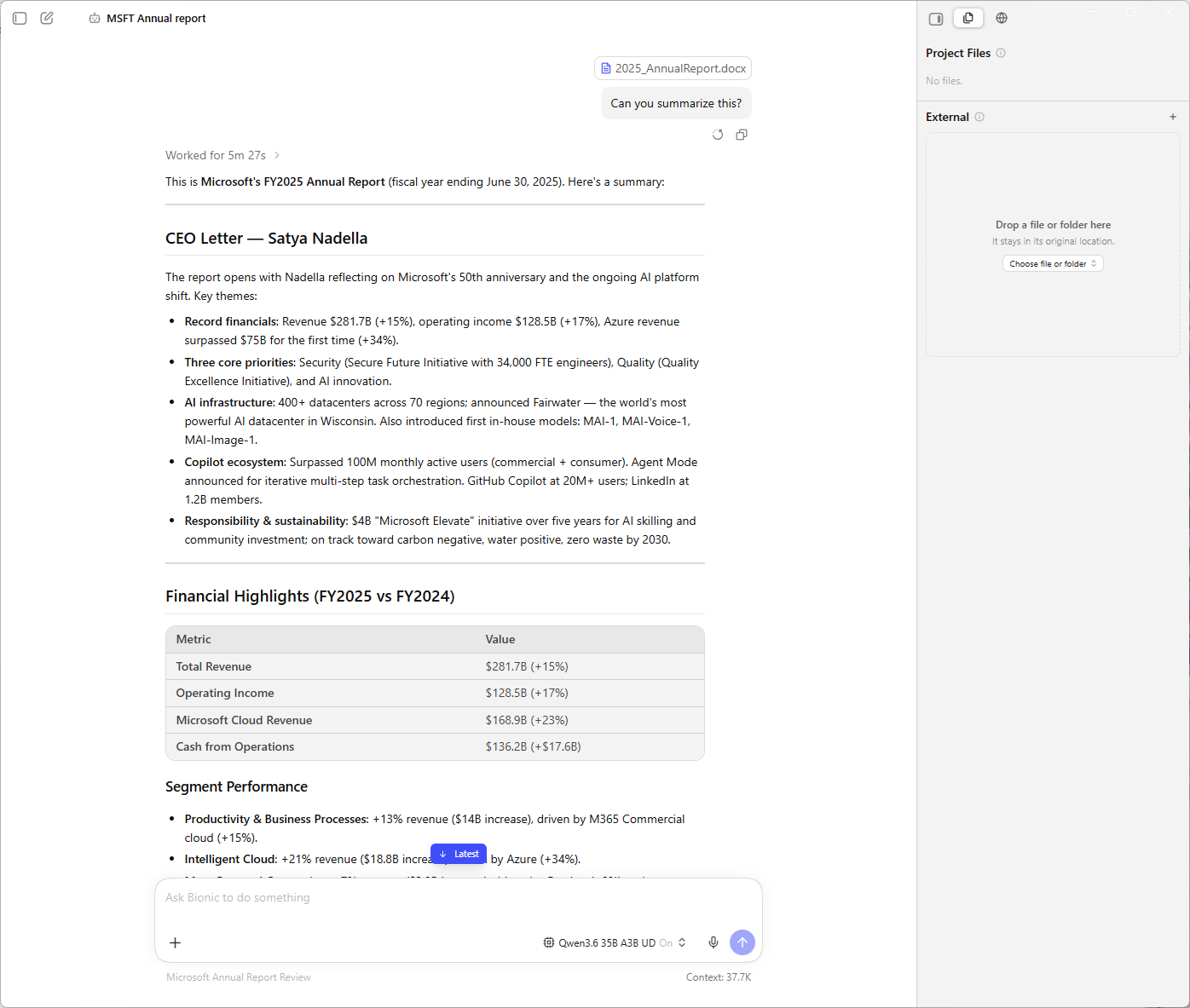
The response was structured and accurate against the source document, a CEO letter summary, a financial highlights table, and a segment performance breakdown, formatted as clean markdown rather than a wall of prose.
| Metric | Value |
|---|---|
| Total Revenue | $281.7B (+15%) |
| Operating Income | $128.5B (+17%) |
| Microsoft Cloud Revenue | $168.9B (+23%) |
| Cash from Operations | $136.2B (+$17.6B) |
The document never left my machine. It sits in a project scratchpad folder on the local disk, not somewhere on LM Studio’s servers.
Test #3 – Ask it to check my own writing against my own rules
The second test was more of a curiosity than a benchmark, but it turned out to be the most interesting one. I gave Bionic my about_me.md writing rules file, the same kind of voice profile I keep for my own posts, along with a URL to one of my published articles, and asked it to review the post against the documented style.
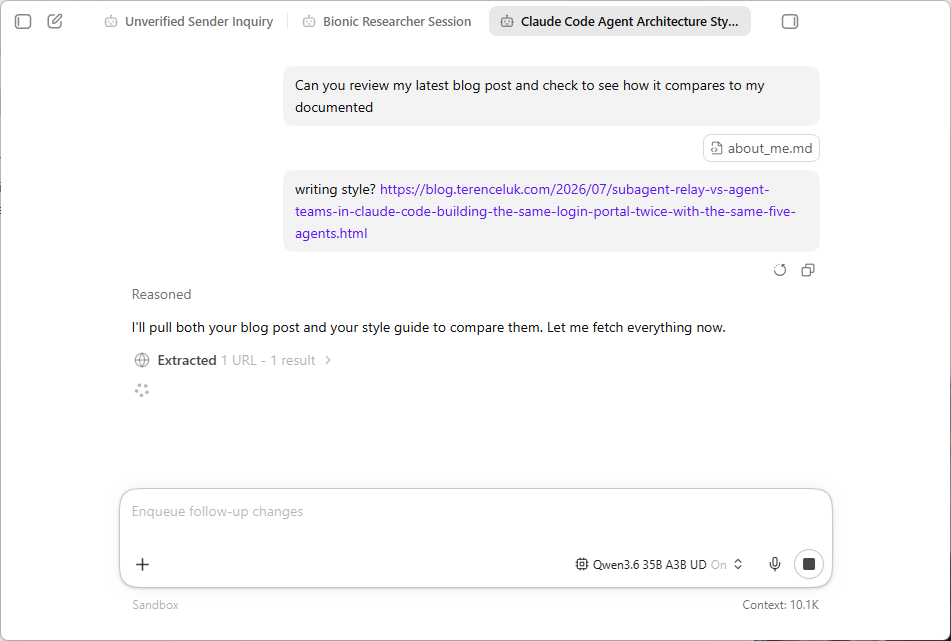
Watching the tool calls happen was the interesting part. It read the local file first, then fetched the URL.
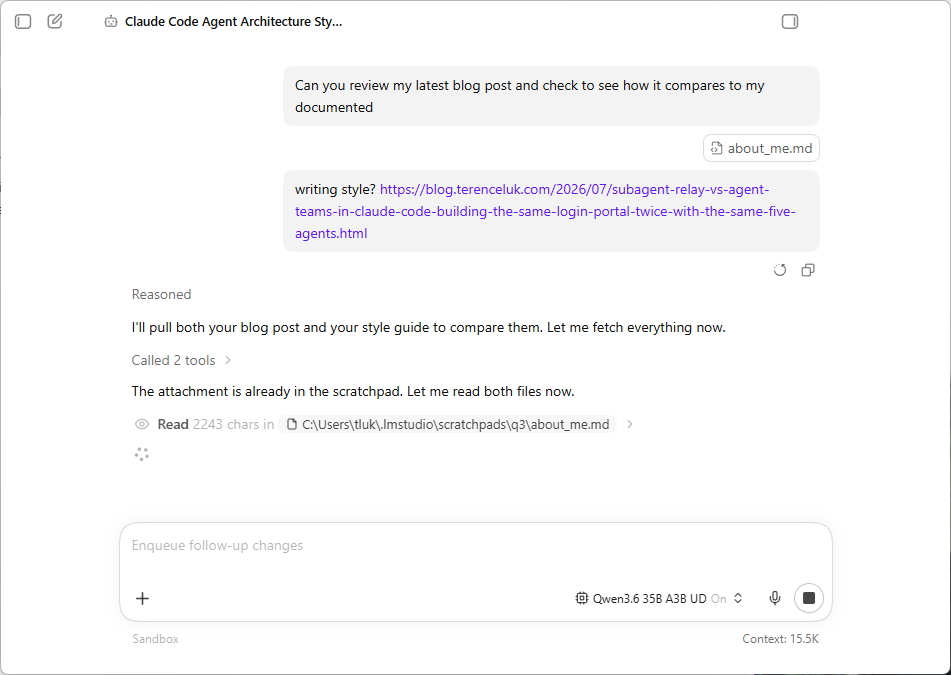
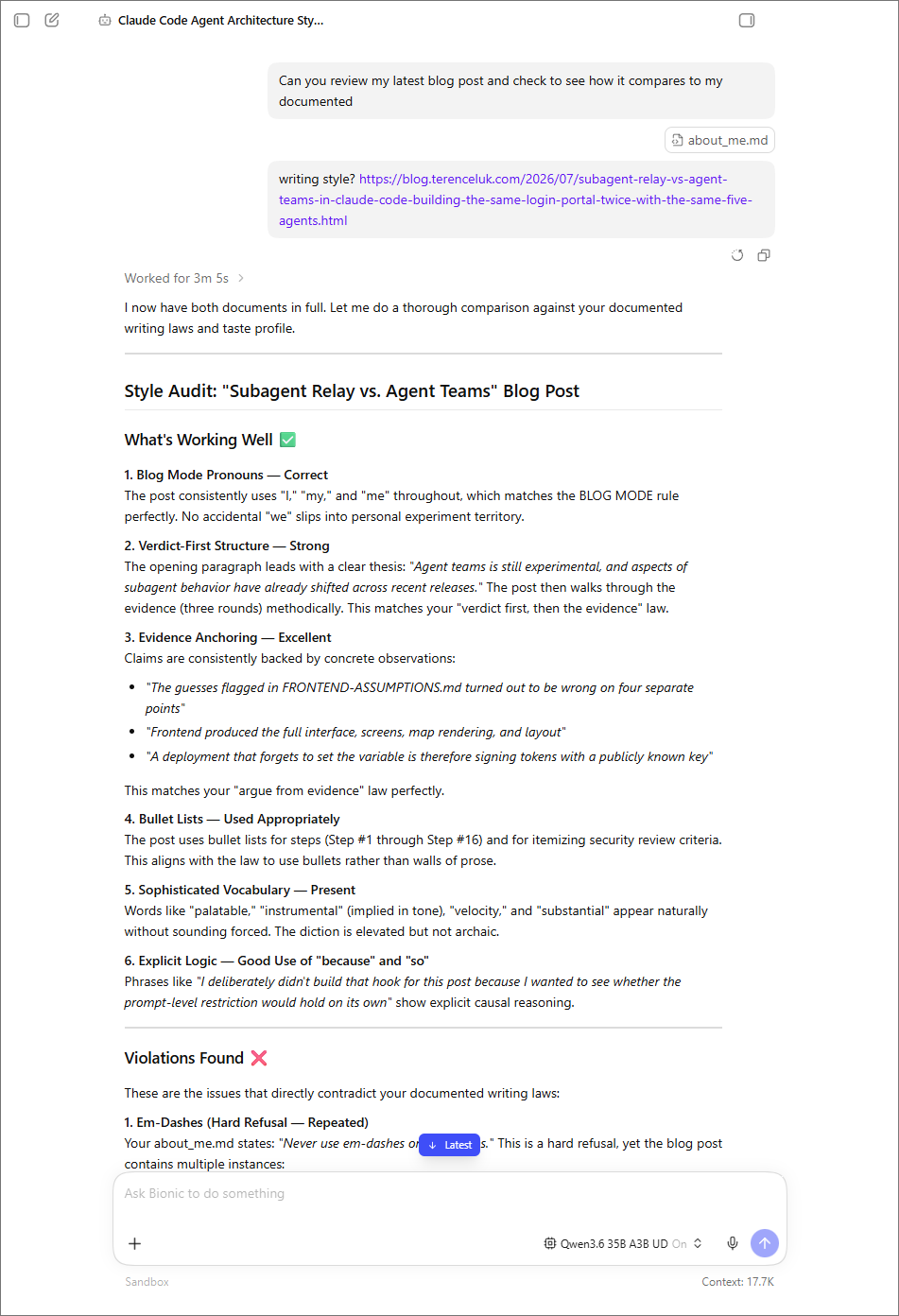
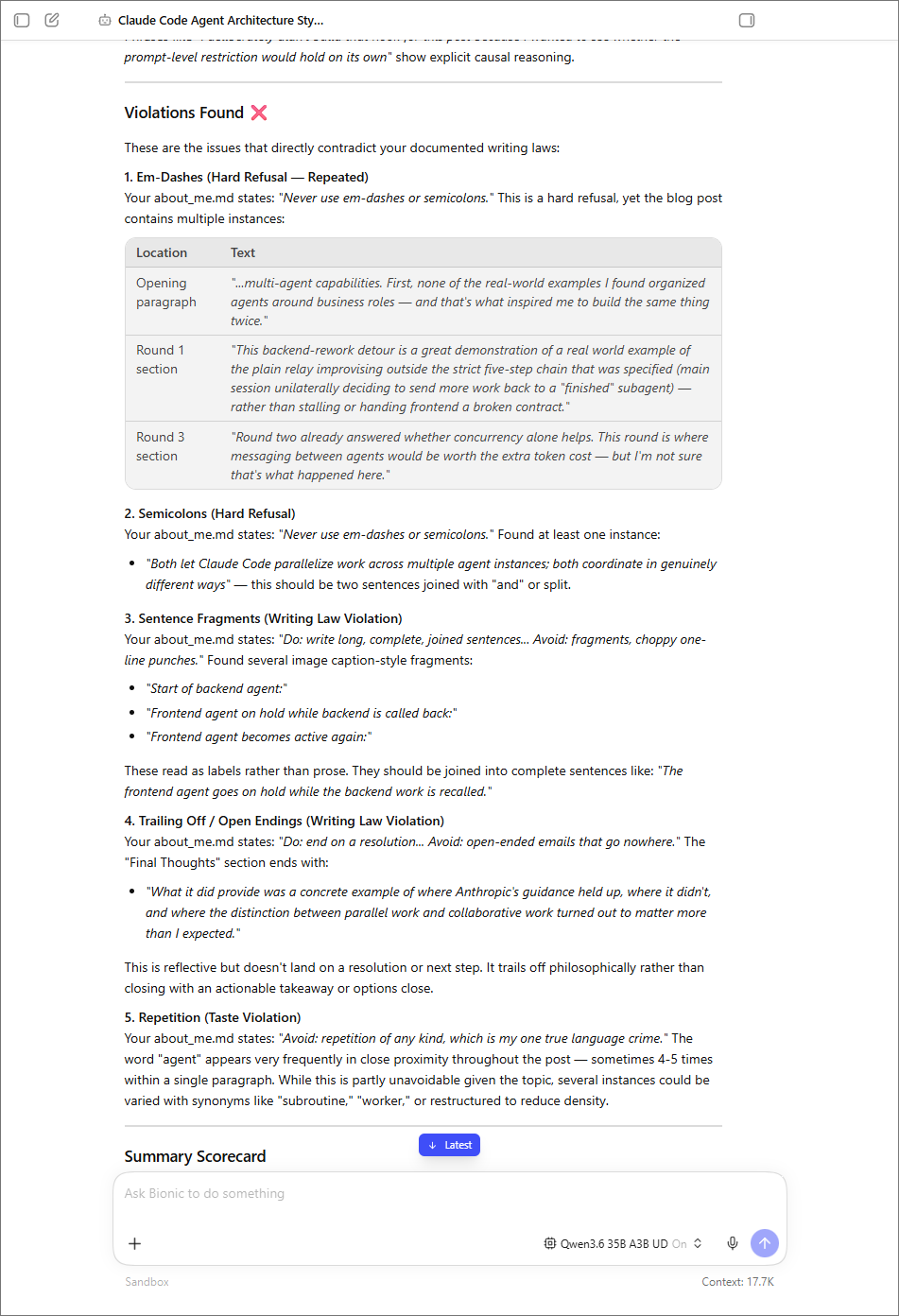
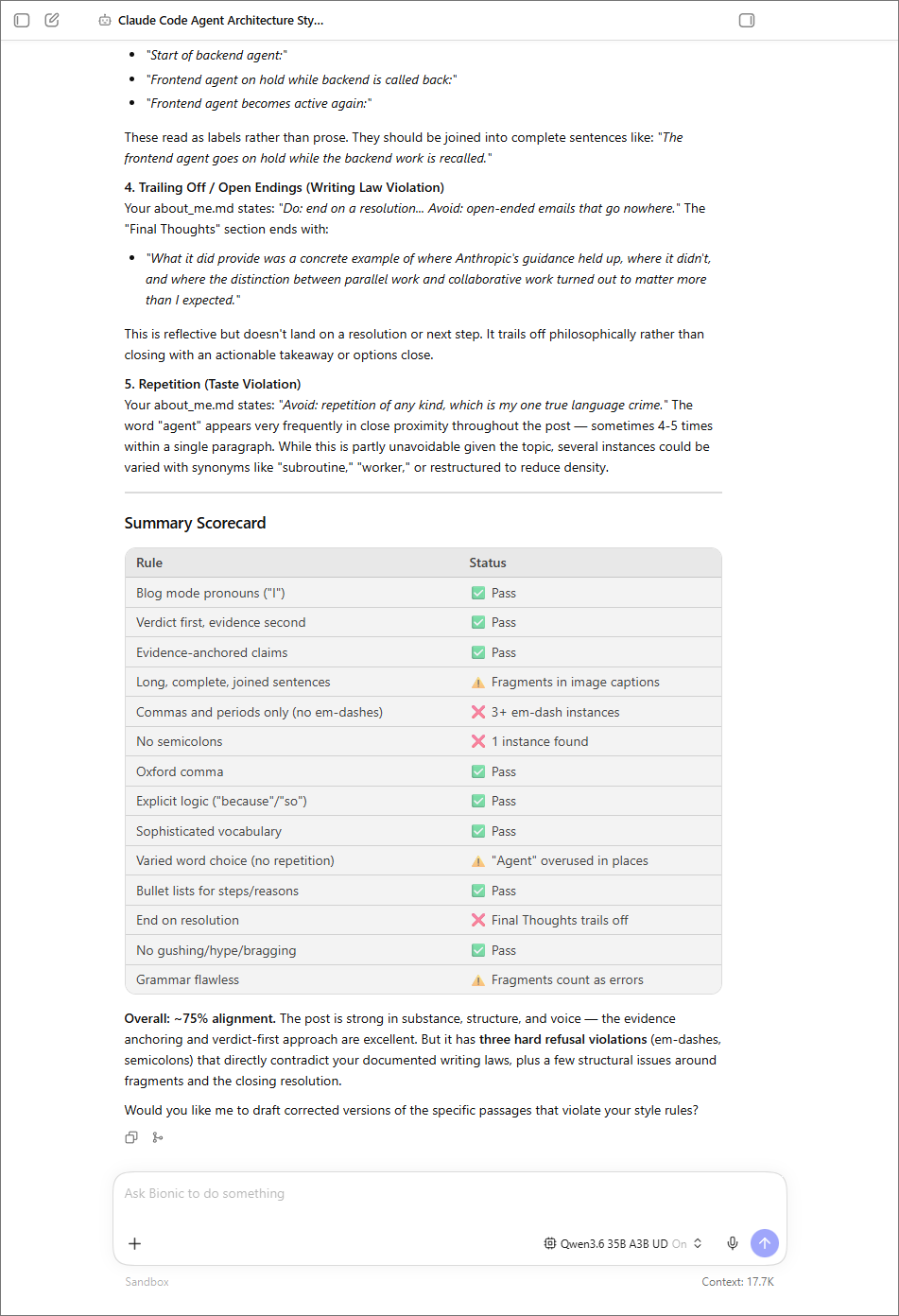
Seeing this report amazed me because it’s functionally the same job as the blog review process I already run on my own drafts with my Claude subscription but now I’ve just done it with a local model doing it on a $0 plan.


2 Responses
Thanks Terence for the detailed and very informative explanation of how did you use and run your tests to verify the effectiveness
Thanks again for sharing
Great review of LM Studio Bionic! I have been using it for image generation workflows and the improvements over the previous version are noticeable. The interface is much more intuitive now. For anyone looking for AI image tools, this is definitely worth trying alongside other options like Pictro for photo enhancement and MusicGPT for audio generation. Thanks for the detailed benchmarks!