
One of the common questions I frequently am asked about configuring an Automation Account Managed Identity is why the https://portal.azure.com user interface does not allow an administrator to assign permissions to an Enterprise Application. Take the following example where we’ve enabled a System assigned Managed Identity of an Automation Account:
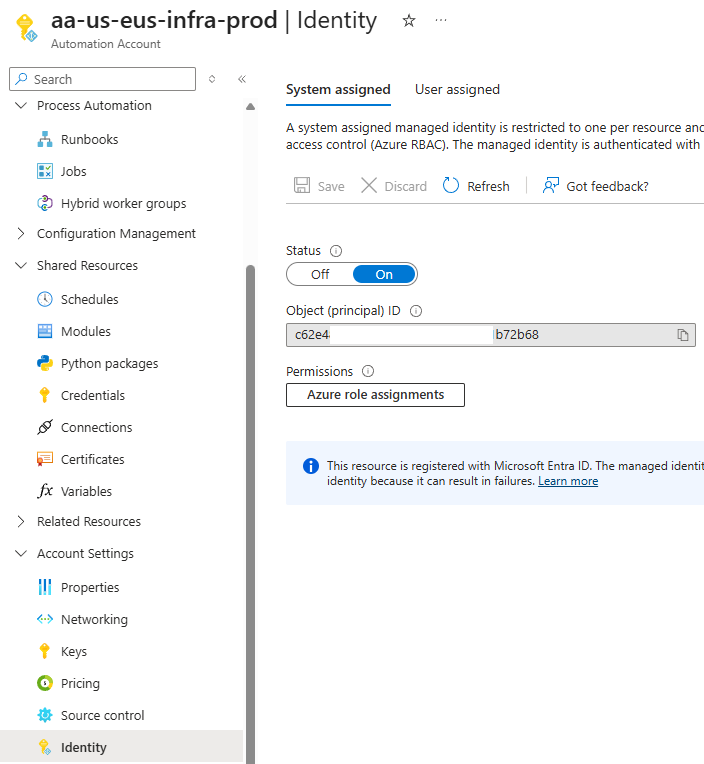
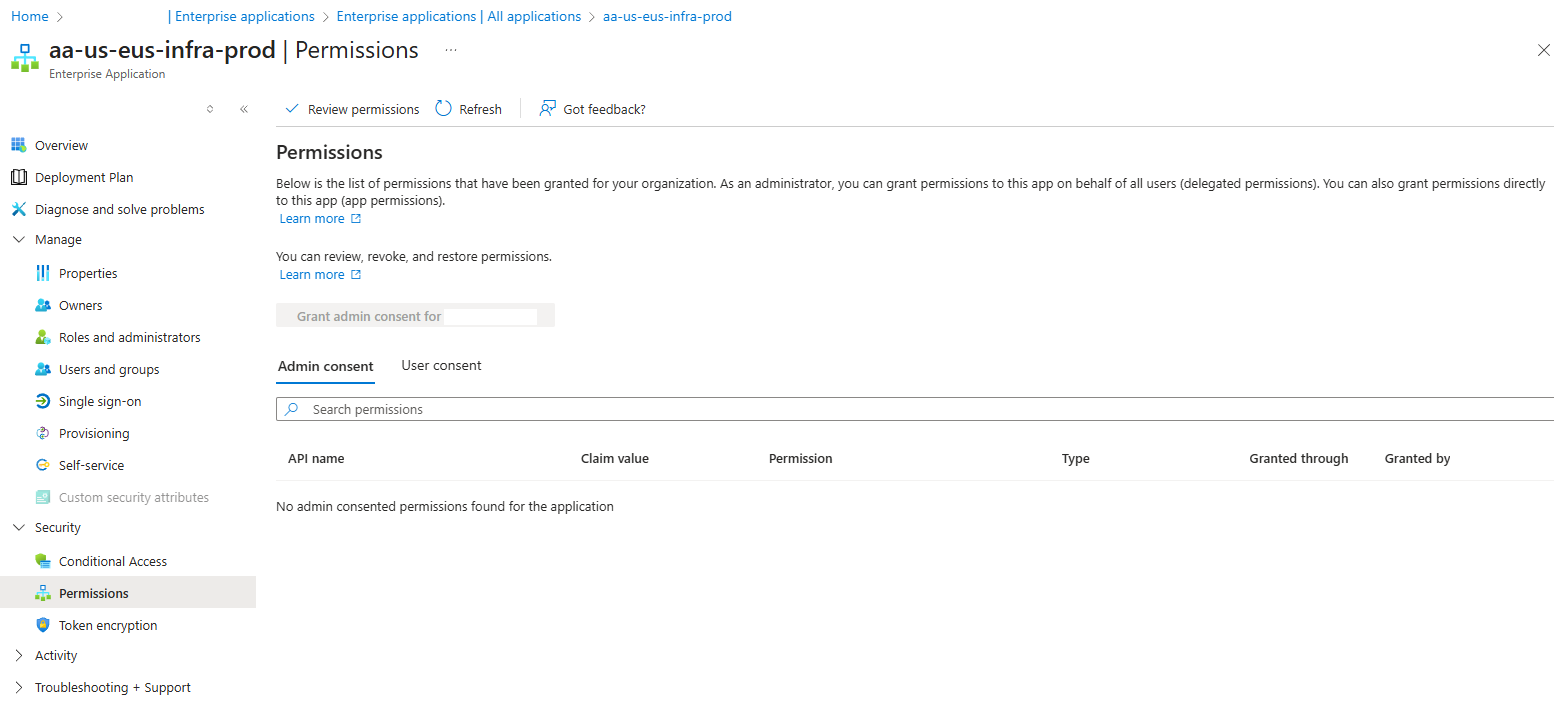
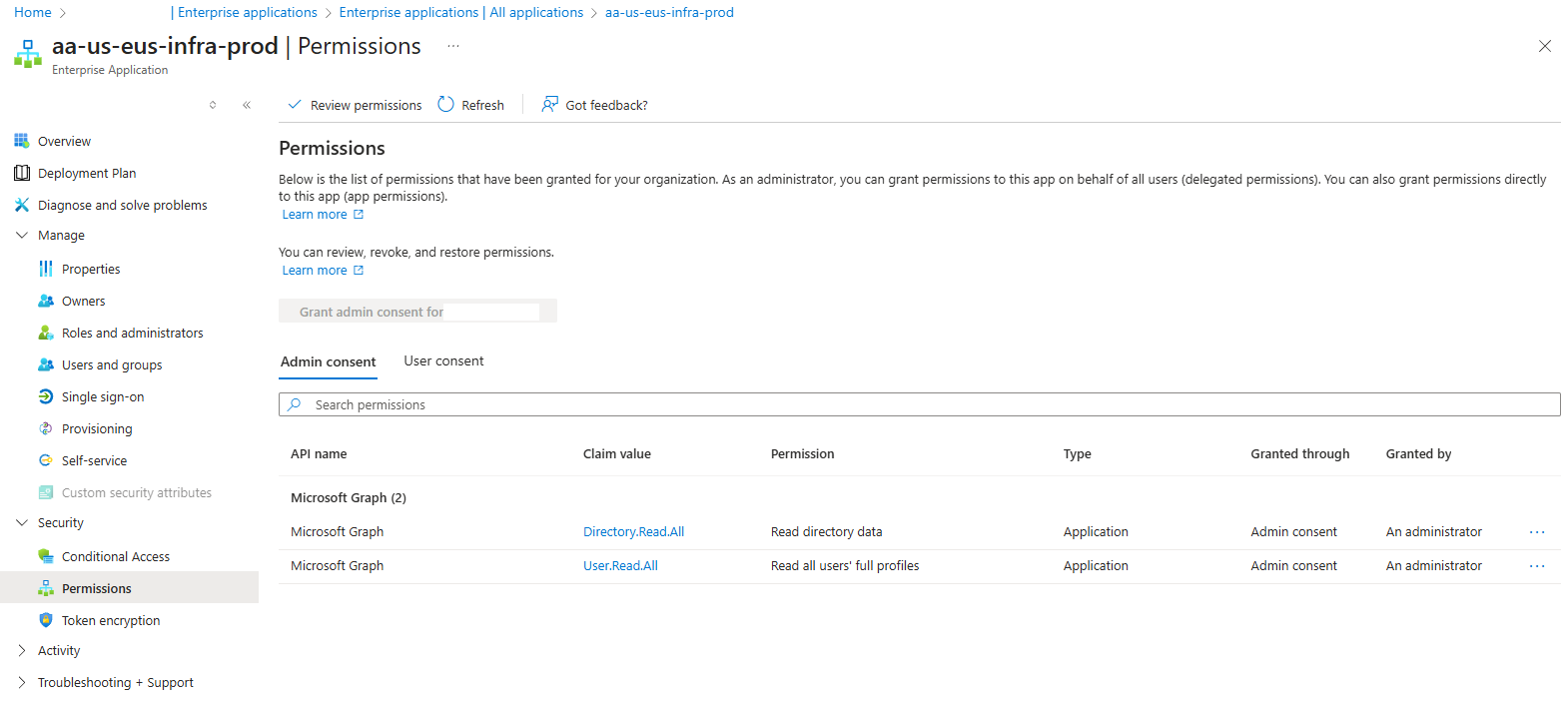
After enabling the identity of the Automation Account, browsing to the Enterprise Application object, then to Permissions displays the settings but does not allow the administrator to add permissions:
Granting the Automation Account Managed Identity Access via PowerShell
I believe I encountered this issue many years ago and the behavior hasn’t changed so I am unsure when the GUI would allow for the configuration. For the time until it is possible to configure this via the user interface, an option to, say, grant Microsoft Graph permissions is to use PowerShell. The script I use can be found in my GitHub repository here:
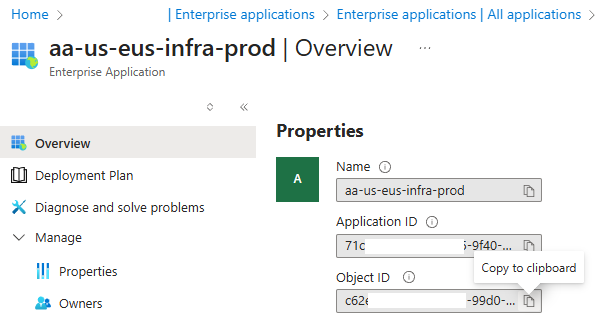
The script requires the Tenant ID, Automation Account Managed Identity’s Object ID and the desired App Roles to be assigned. Retrieve these values from your environment:
Then proceed to run the script as such:
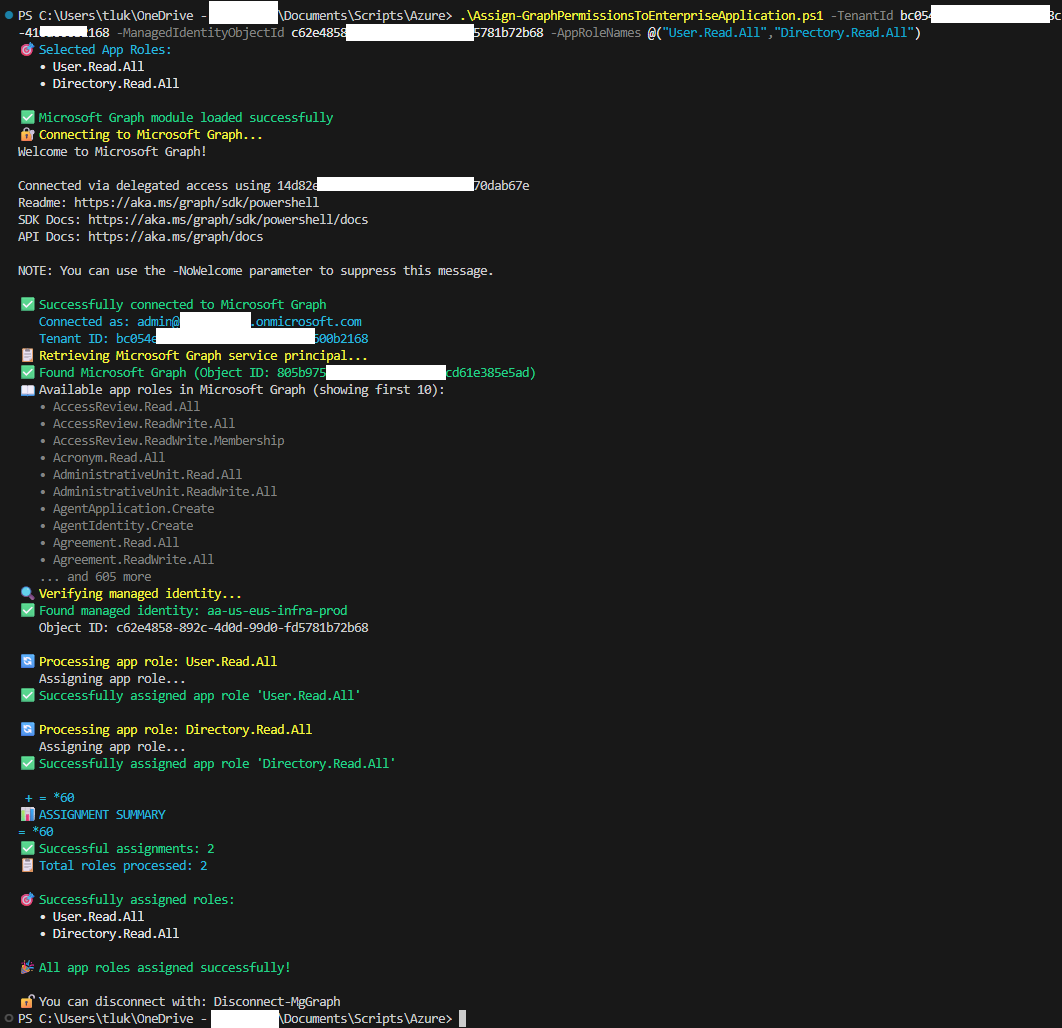
Upon completion, you should see the permissions assigned to the Enterprise Application:
For those who have come across my previous blog post here:
Updated: Create an automated report for Office 365 / Microsoft 365 license usage with friendly names using Azure a Function App (using a system assigned managed identity) and Logic Apps
https://blog.terenceluk.com/2022/12/updated-create-automated-report-for.html
I created a script (https://github.com/terenceluk/Azure/blob/main/PowerShell/Configure-Managed-Identity-API-Permissions.ps1) using the AzureAD module, which is deprecated so this post serves as an update for it.

