
An ex-colleague of mine recently asked if I had come across an issue where a Windows 11 virtual machine would no longer accept remote desktop or SMB access anymore but if you were to log in directly through, say, a VMware console, the same credentials would work. The environment that exhibited this behavior for him was a Windows 11 Pro master image for a Citrix virtual desktop environment and while my days of working Citrix has long past, I decided to have a look.
What I observed is the following:
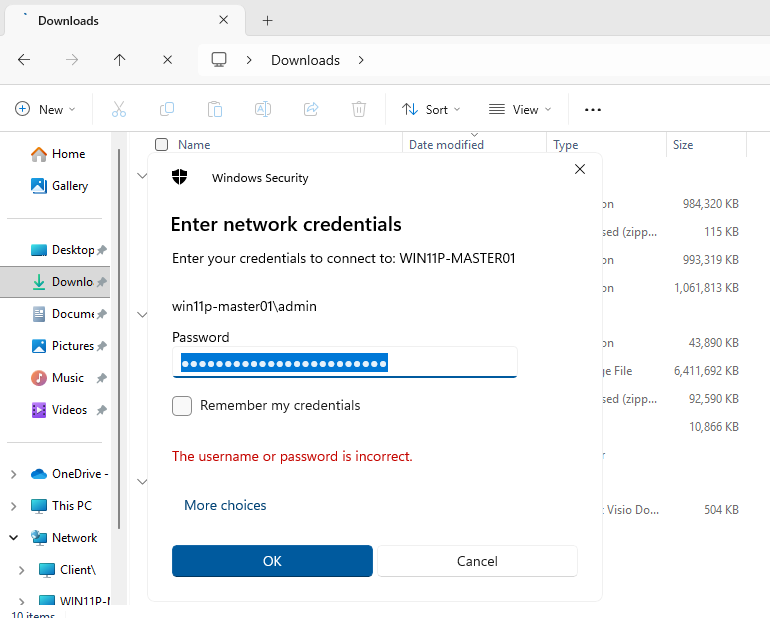
- Attempts to RDP to the Windows 11 virtual machine with either a domain admin account or local administrator account would fail
- Attempts to try and UNC to the Windows 11 virtual machine via \\<computername>\ would also fail
Here are some screenshots of the errors I can see in the event log:
Attempts to RDP to the Windows 11 virtual machine with either a domain admin account or local administrator account would fail
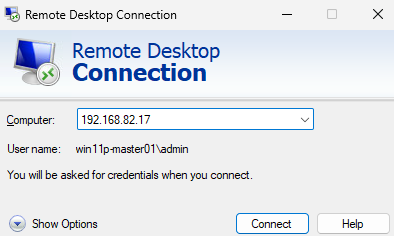
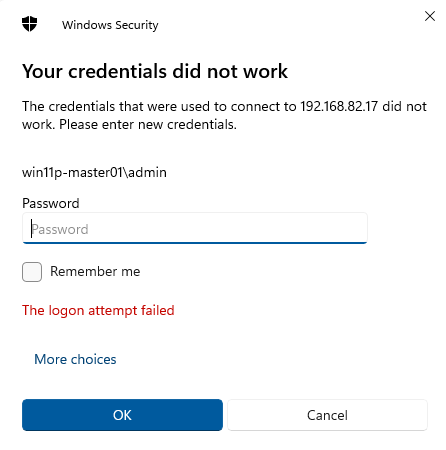
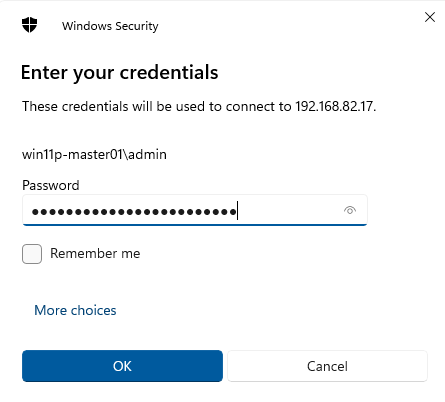
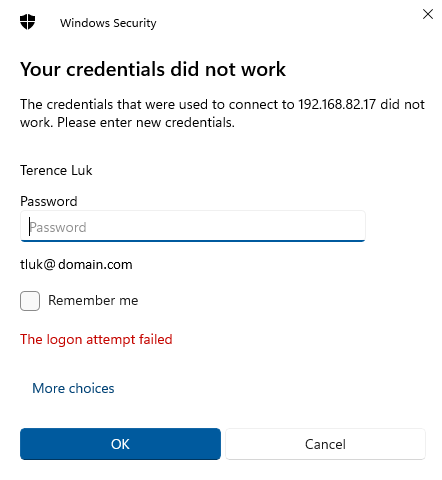
Attempts to try and UNC to the Windows 11 virtual machine via \\<computername>\ would also fail
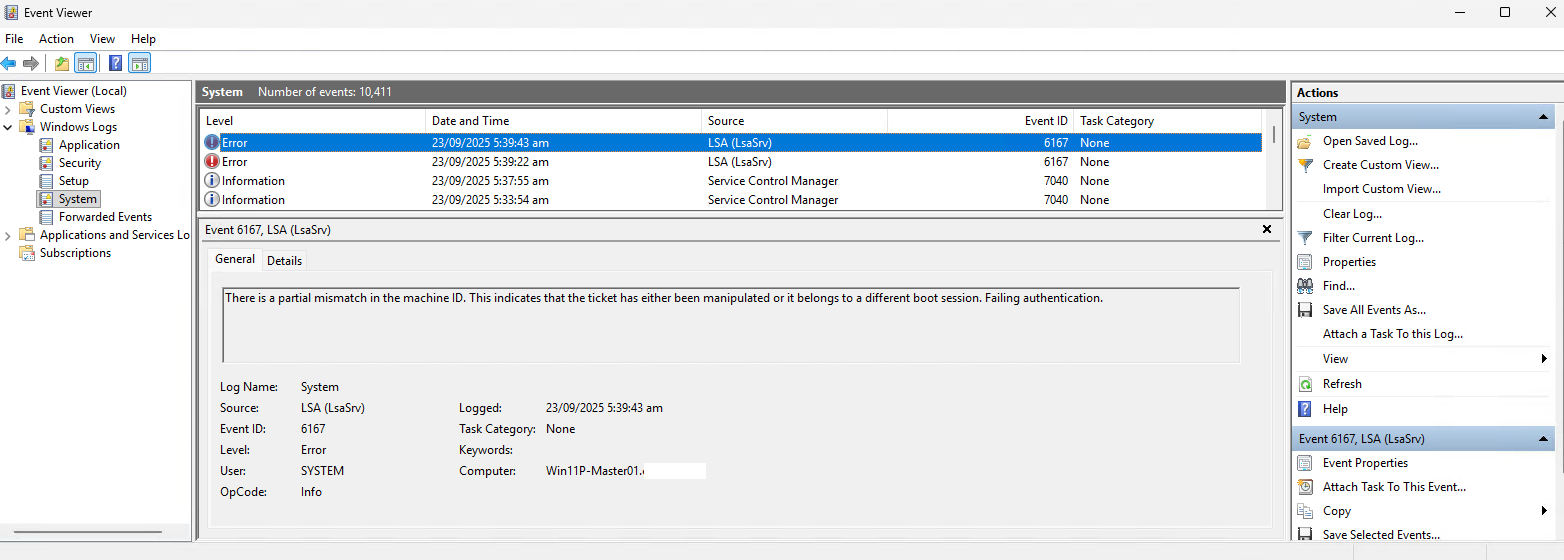
What I noticed in the event logs are the following 2 events:
Log Name: System
Source: LSA (LsaSrv)
Event ID: 6167
Level: Error
There is a partial mismatch in the machine ID. This indicates that the ticket has either been manipulated or it belongs to a different boot session. Failing authentication.
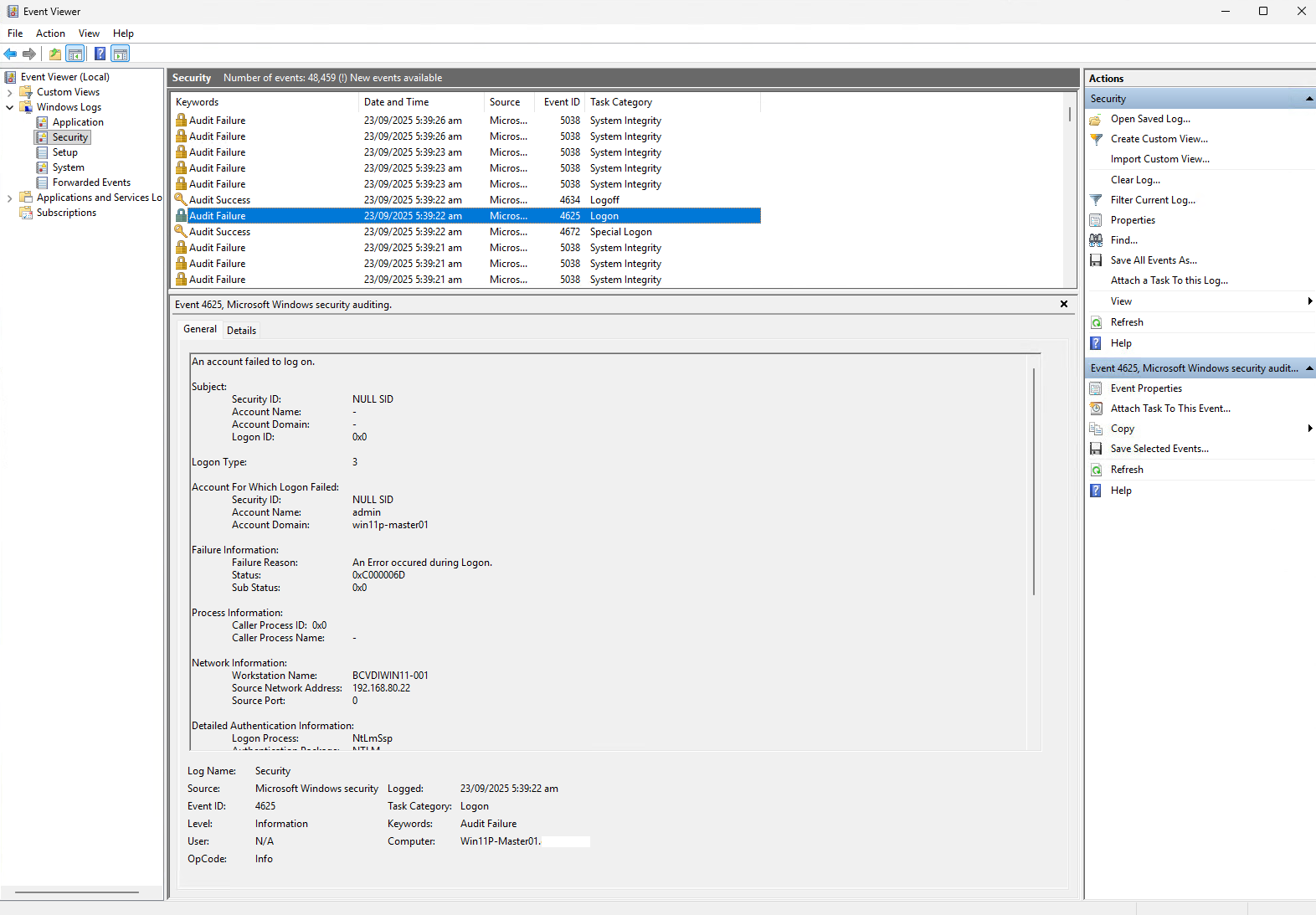
Log Name: System
Source: LSA (LsaSrv)
Event ID: 6167
Level: Error
A bit of research led me to the following 2 KBs that the community has indicated would cause this issue:
- KB5064081 <– Released on August 29, 2025
- KB5065426 <– Released on September 9, 2025
The issue appears to affect machines that are no sysprep-ed and therefore would maintain the same local machine SID of the original source. For this environment I’ve looked at, the source VM that is trying to RDP to the target VM is actually a VDI created through Citrix MCS (Machine Creation Services) from the VDI serving as it’s master image.
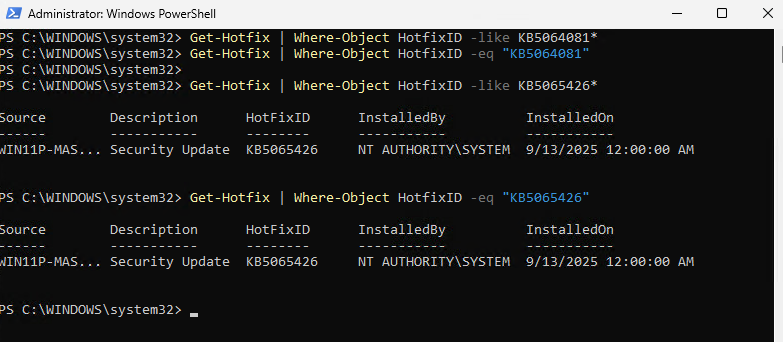
Executing the following PowerShell cmdlets will show that KB5065426 is indeed installed on the master image (I’m adding extra cmdlets in to demonstrate using like or eq):
Get-Hotfix | Where-Object HotfixID -like KB5064081*
Get-Hotfix | Where-Object HotfixID -eq “KB5064081”
Get-Hotfix | Where-Object HotfixID -like KB5065426*
Get-Hotfix | Where-Object HotfixID -eq “KB5065426”
Those who have worked in the Citrix VDI or VMware Horizon View realm long enough will not that the idea of quickprep means the virtual desktops cloned form a master image doesn’t actually sysprep the machine and therefore would maintain the original SID. Digging deeper into Microsoft Active Directory documents will note that this wouldn’t matter given when a machine is joined to the domain, their machine accounts have unique SIDs for the domain. Here is an old Citrix document stating this:
https://support.citrix.com/external/article/226711/mcs-provisioned-vms-share-an-identical-m.html
From what I can tell through my testing and reading, there doesn’t appear to be a fix for this other than uninstalling the hotfix and I’m unsure if Microsoft will release another KB that would fix this. This generally isn’t too big of a deal for most most environments but I can see how it can be a nuisance for Citrix Virtual Desktop environments where the desktops are GPU accelerated because if you’re using a hypervisor such as VMware where there is console access, you cannot access the desktop when it is GPU accelerated. This means that you cannot administer the Windows 11 master image via a VDI you had cloned it from, which I assume most administrators may have this workflow.

